
IBO Player Activation
LIFETIME APP LICENSE
Activation for compatible devices
Use IBO Player with your own playlist
Lifetime activation — 9.99 €
Interested in becoming a reseller? Explore reseller packages.
About IBO Player
IBO Player is a media-player app for compatible devices. It lets you add and play playlists that you provide.
The app does not include or provide channels, playlists, subscriptions, or other media content. Use only content you are authorized to access.
For more information, visit our IBO Player website.
Download IBO Player for your device
7-day free trial
Check compatibility before downloading. Availability and features can vary by device model, app version, and region. Choose one of the download options below.


How IBO Player works
IBO Player is media-player software. Add a supported M3U or M3U8 playlist using the app’s playlist tools, then play media from your chosen provider.
The app itself does not supply or sell channels, playlists, streaming subscriptions, or video content. You are responsible for obtaining and using media lawfully.
Trial and activation
The app information describes a 7-day free trial. After the trial, a paid activation may be required to continue using the app. Check compatibility and current product terms before ordering.
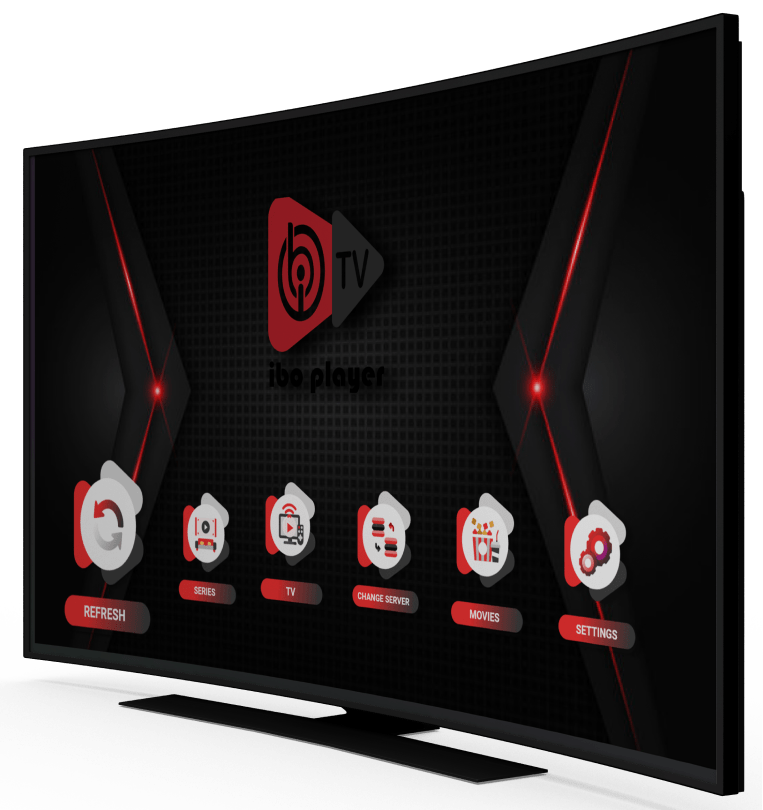
Need help activating BOB Player?
Visit our official BOB Player activation partner to review supported devices and available license options.
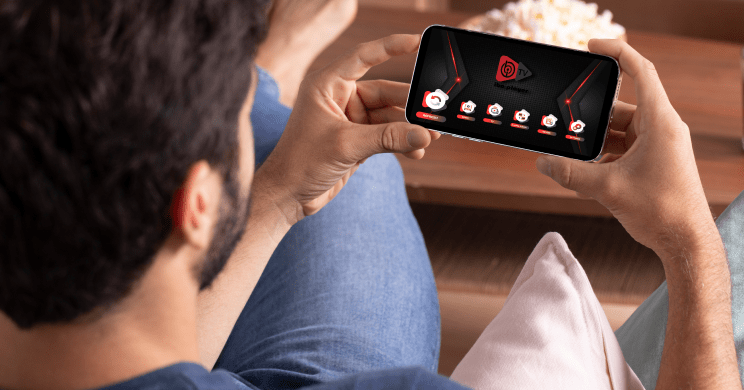
What does activation include?
The lifetime option shown above is a one-time activation for the IBO Player app, subject to the product terms.
It does not include playlists, television channels, subscriptions, or other media content. Any playlist or content provider is separate from this activation purchase.
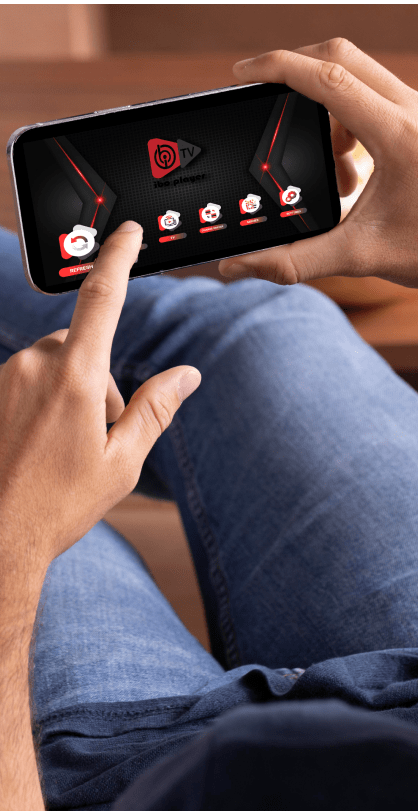
Manage playlists through the IBO Player portal.
Supported playlist formats
IBO Player support information lists M3U and M3U8 playlist formats. Add a source through the playlist-management options in your app.
Playback can depend on your device, internet connection, and playlist provider.

App settings
Menus and features, including parental settings where available, can vary by device and app version. Check the settings in your installed app for the current options.

Official IBO Player activation: choose the right option
We are an official IBO Player activation partner. This page explains what an app activation covers and what to check before ordering. Each activation is for one supported device and applies to the selected license period.
Activation periods and EUR prices
- 12-month activation — €6.94: a one-time activation fee for one supported device for the 12-month period.
- Lifetime activation — €9.99: a one-time fee for one supported device, subject to the product terms.
These are app activation options, not monthly channel packages. The IBO Player app does not supply channels, playlists, portals, streaming subscriptions, or other media content. Please check the selected option and final order summary before payment.
Before you order
- Check that IBO Player is available for your exact TV or device model and region. App availability and features can vary by model, operating-system version, and app-store country.
- If the app offers a trial on your device, use it to test compatibility with your setup before purchasing.
- Select the intended activation period and enter the device identifier requested in the order process accurately. Depending on the app and platform, this may be a MAC address or another device ID.
- Keep your order confirmation. If you need help with activation, contact support with your order number and the device details requested for the order. Never send payment-card details or account passwords in a support message.
Common questions
Are channels or playlists included? No. IBO Player is media-player software; customers provide their own lawful playlist or content service.
Can one activation be used on several devices? No. Each activation is linked to one supported device. A separate activation is needed for another device.
Is the 12-month option billed monthly? No. It is a one-time activation fee for the selected 12-month period. Review the order summary and store terms before checkout.
What if I cannot find the app on my device? Check the relevant app store and the device compatibility information first. If it remains unclear, contact support before ordering.
Content notice: IBO Player is a media player only. Channels, playlists, subscriptions, and video content are not included.
Before you order
Confirm that the app is available on your device and test it during the trial if one is offered. The activation price above covers app access only.
Please review the Terms of Online Sale and Refund and Returns Policy before checkout.
Quick links
Need help with installation or activation? Contact our support team.